Did you sell a 1 day course, and the customer wants to upgrade to a 5 day course? It's easy to build the 4- day upgrade. And, after you've built it, you can even automatically send it to your customers in an automated email they get after the first lesson.
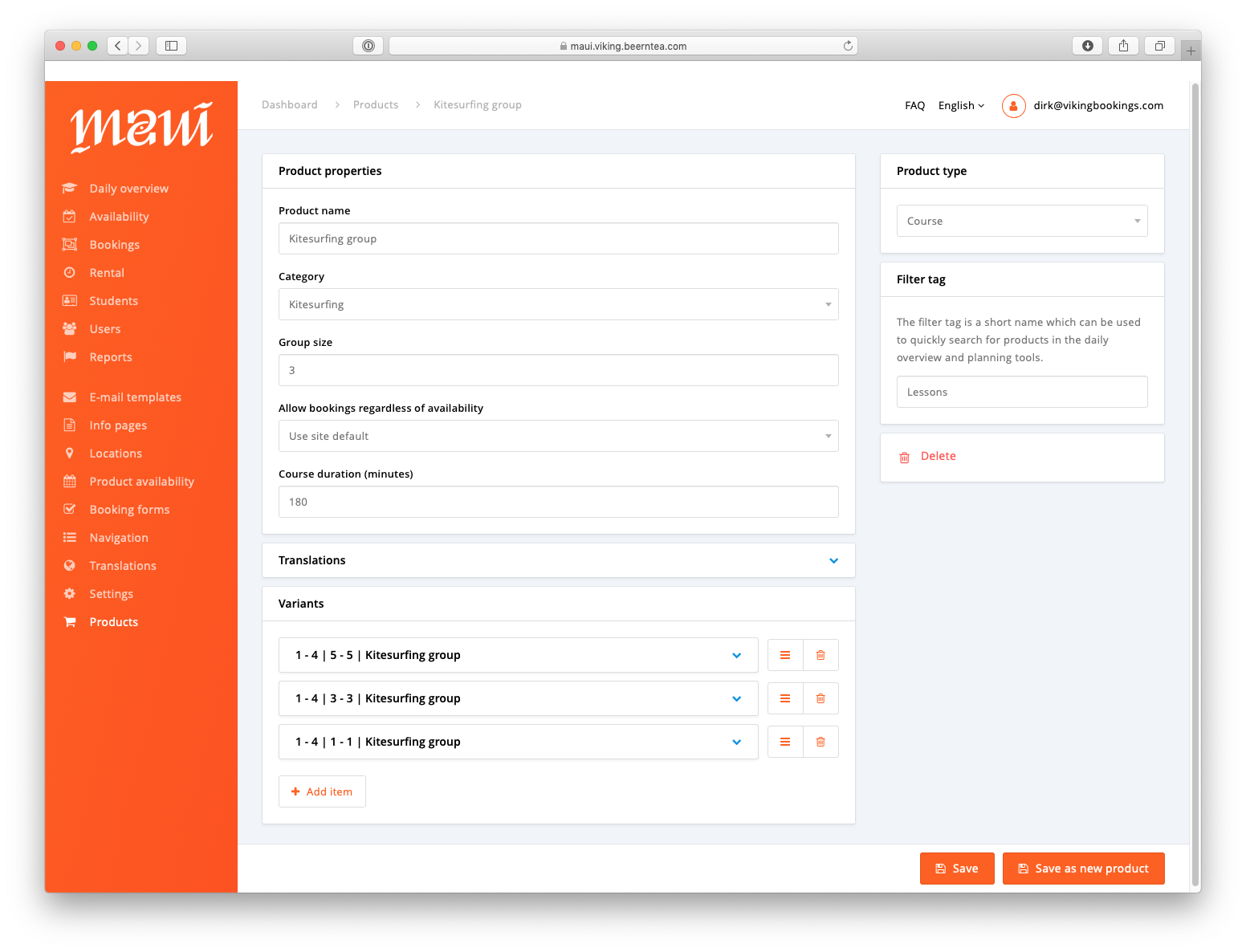
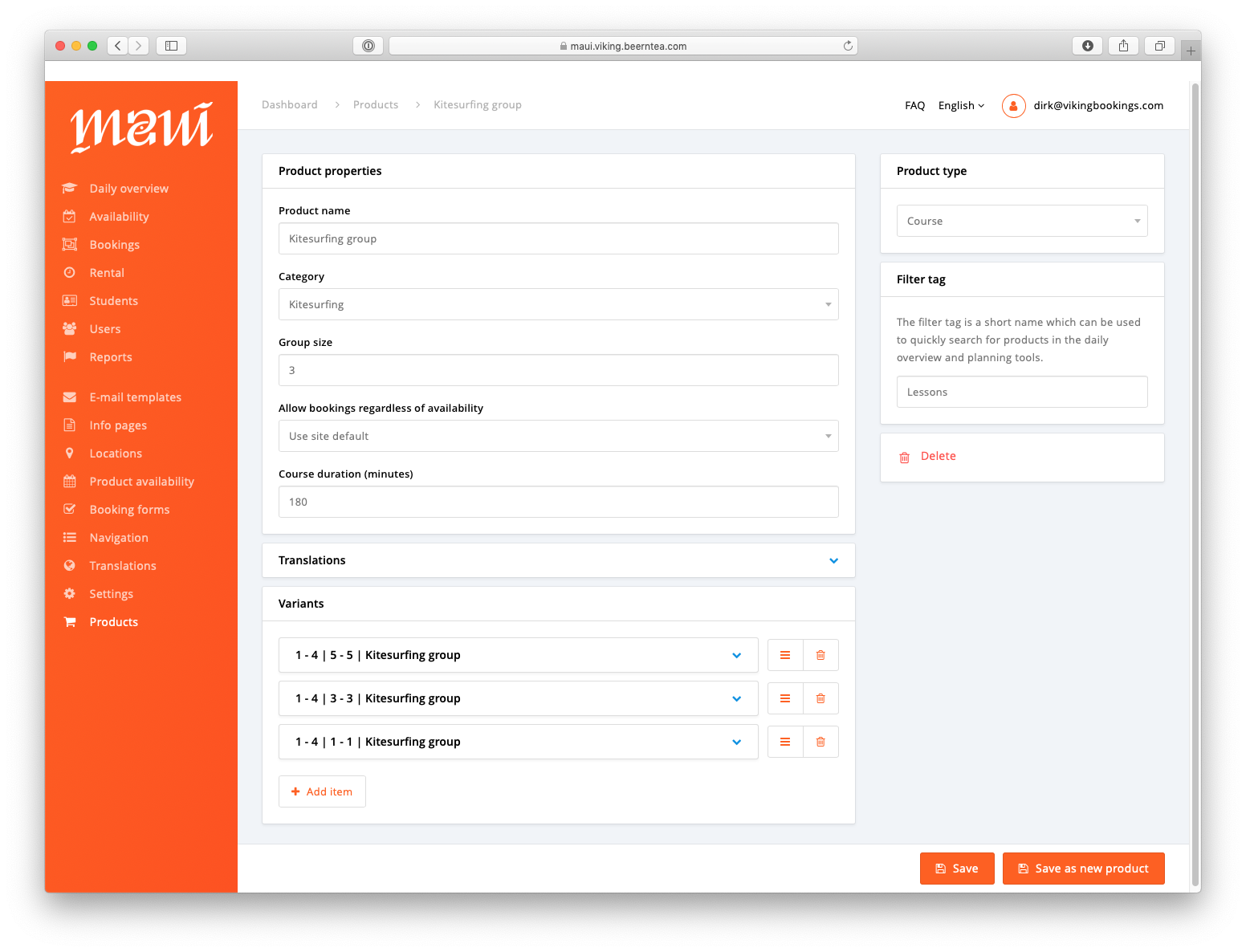
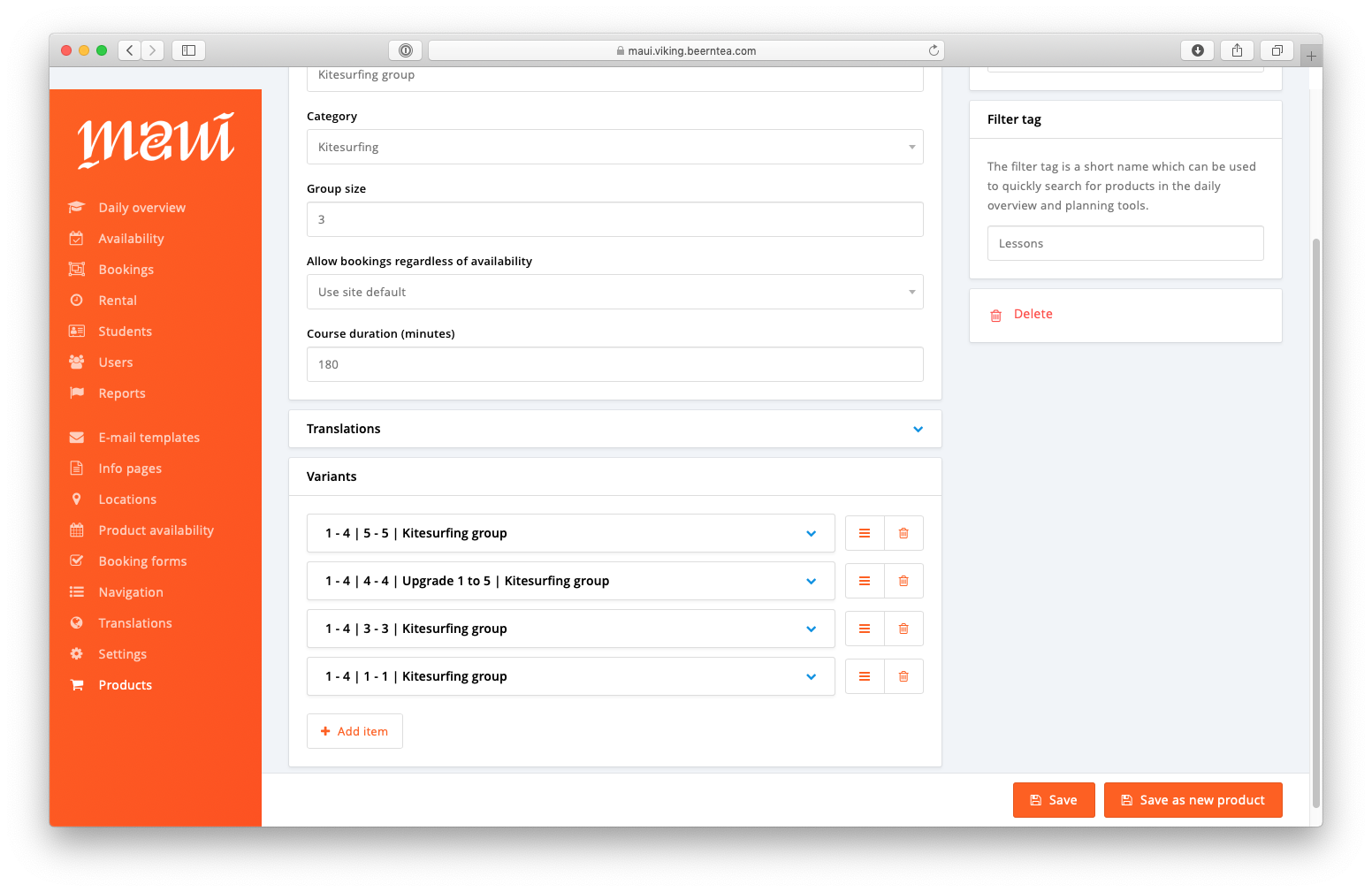
This specific school has 3 variants at the moment (see screenshot above):
- The 5-day course (440 euros)
- The 3-day course (280 euros)
- The 1-day course (99 euros)
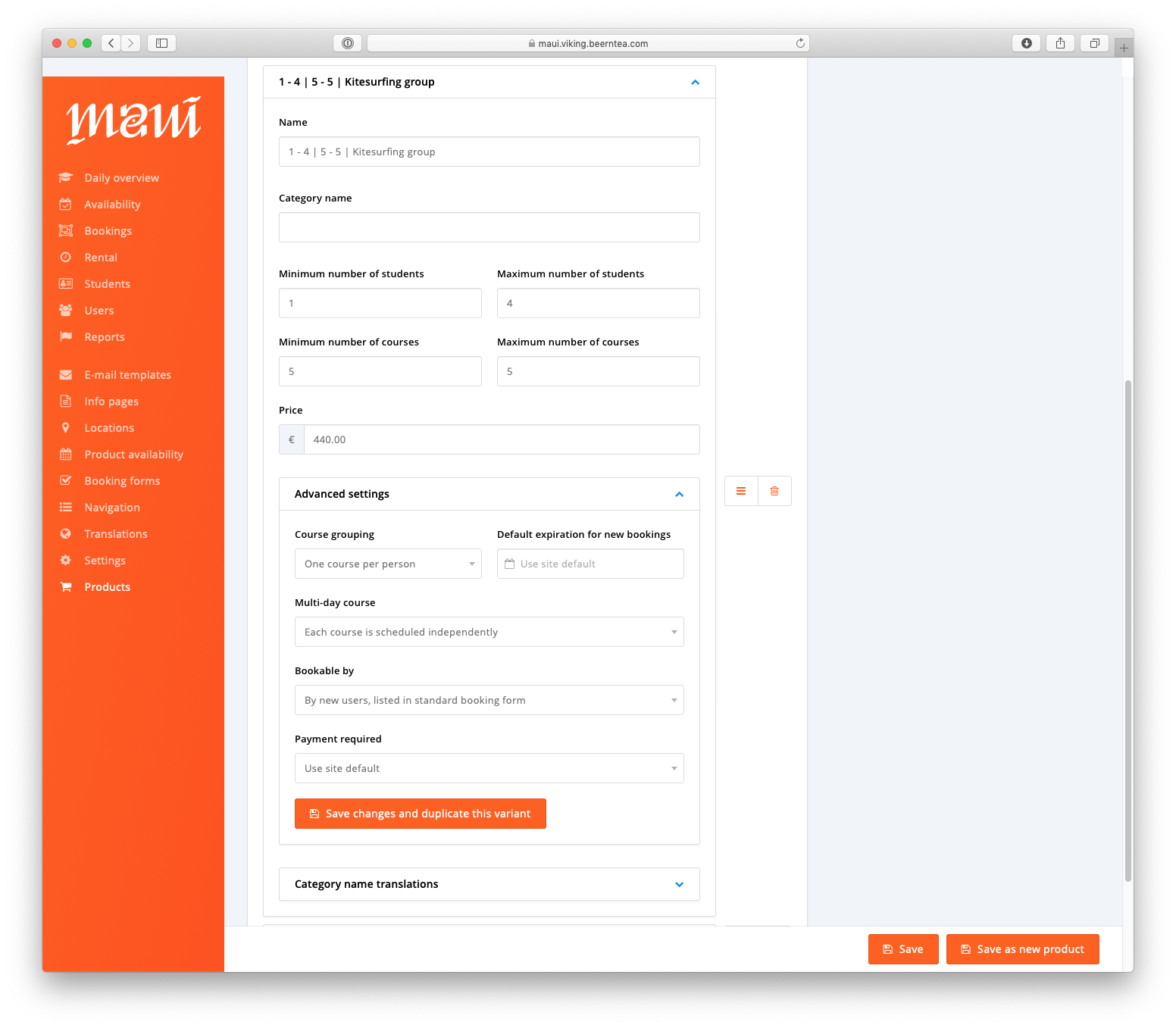
In the screenshot below, you can see the settings of the 5 day variant. The other 2 are built in the same way.
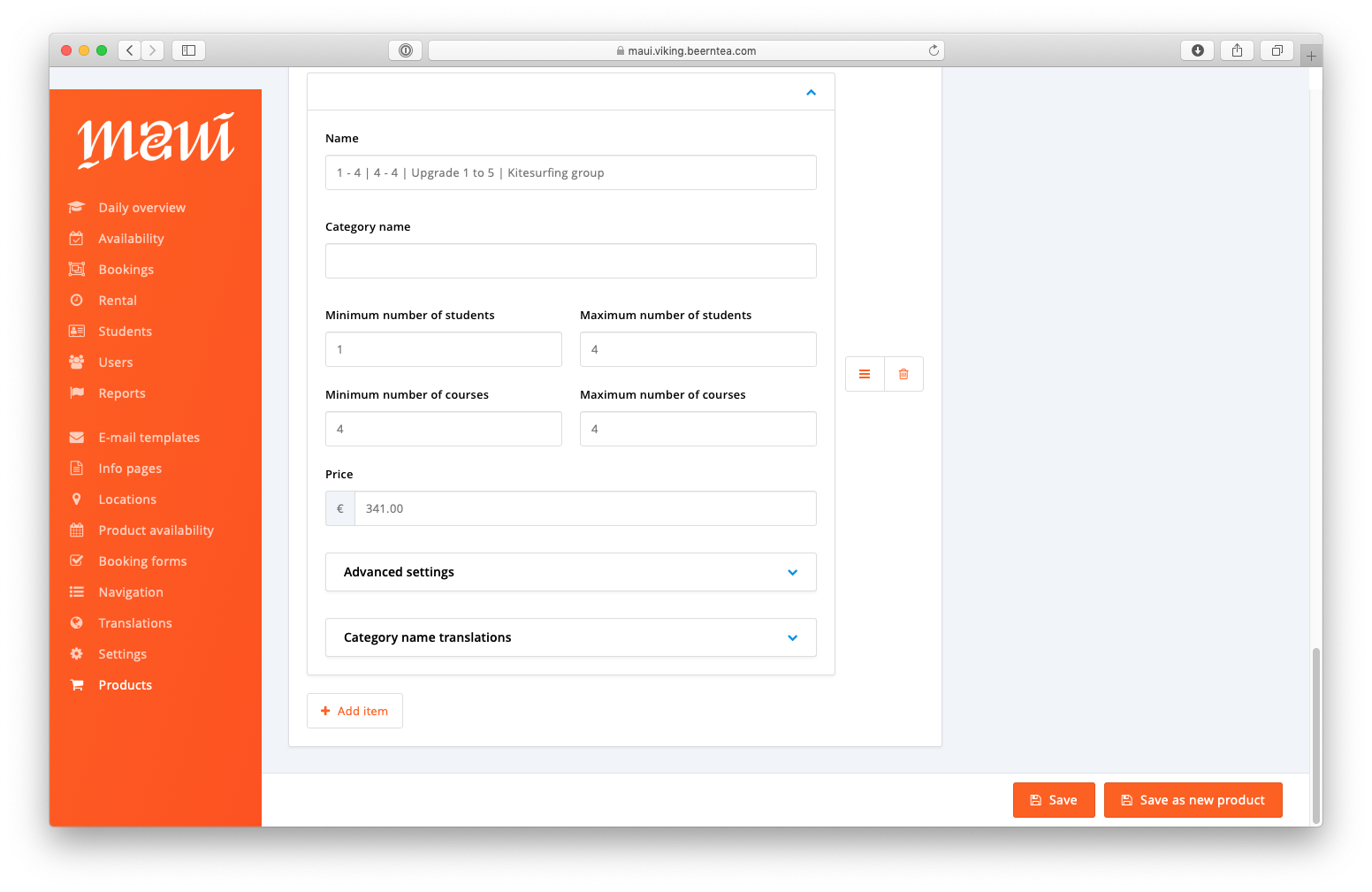
Go to your product --> click 'add item'
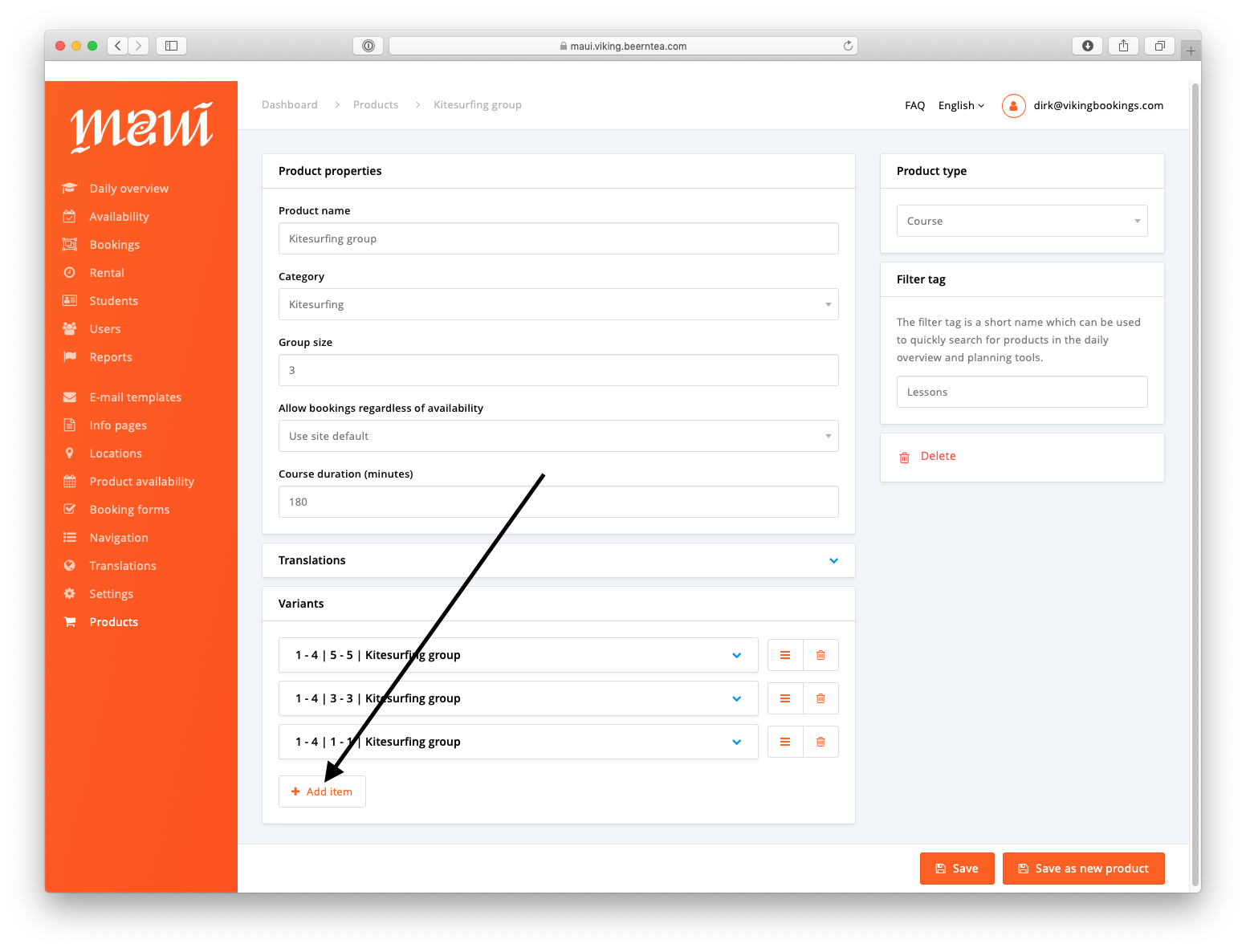
Now, we are going to build this upgrade: From a one day course to a five day course.
This means we want to add 4 days to the booking and take the 5 day price - the 1 day price (440 - 99 = 341). The new variant looks like this:
After saving, don't forget to group your variants in the right way:
You don't want to show this upsell to your customers
Now, you don't want your customers to be able to book this. So in advanced settings you change 'bookable by' to 'Only by admin and planner'. This means only your centre managers / planners can add the upsell to students.
You want to use this variant to automatically upsell in an upsell email:
In advanced settings you change 'bookable by' to 'Only by existing customers'. This means new students cannot book this, however existing customers can book this.
After that you go to booking forms in the main menu and add a new one. In 'product variants' select the upsell variant you've built:
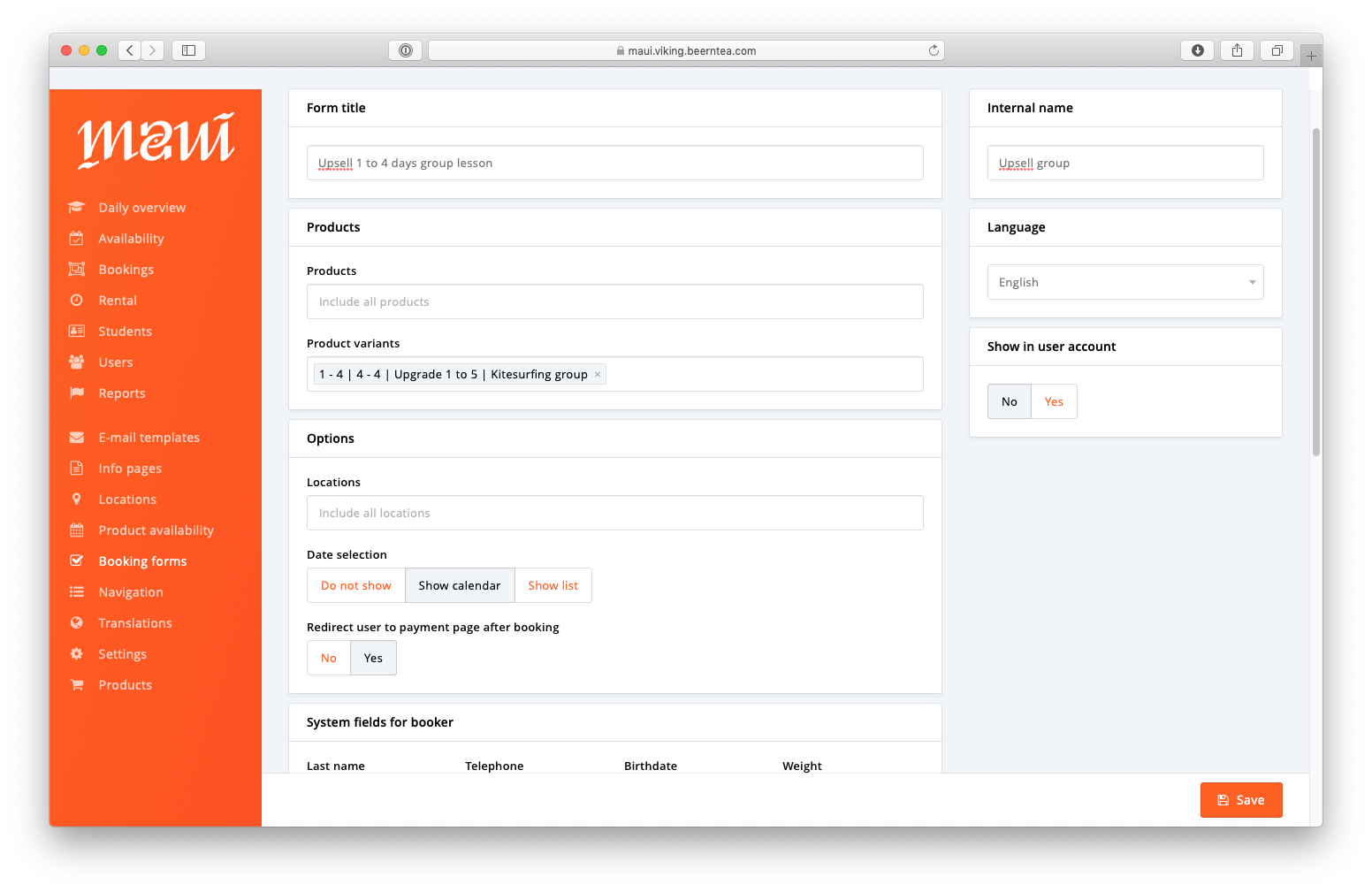
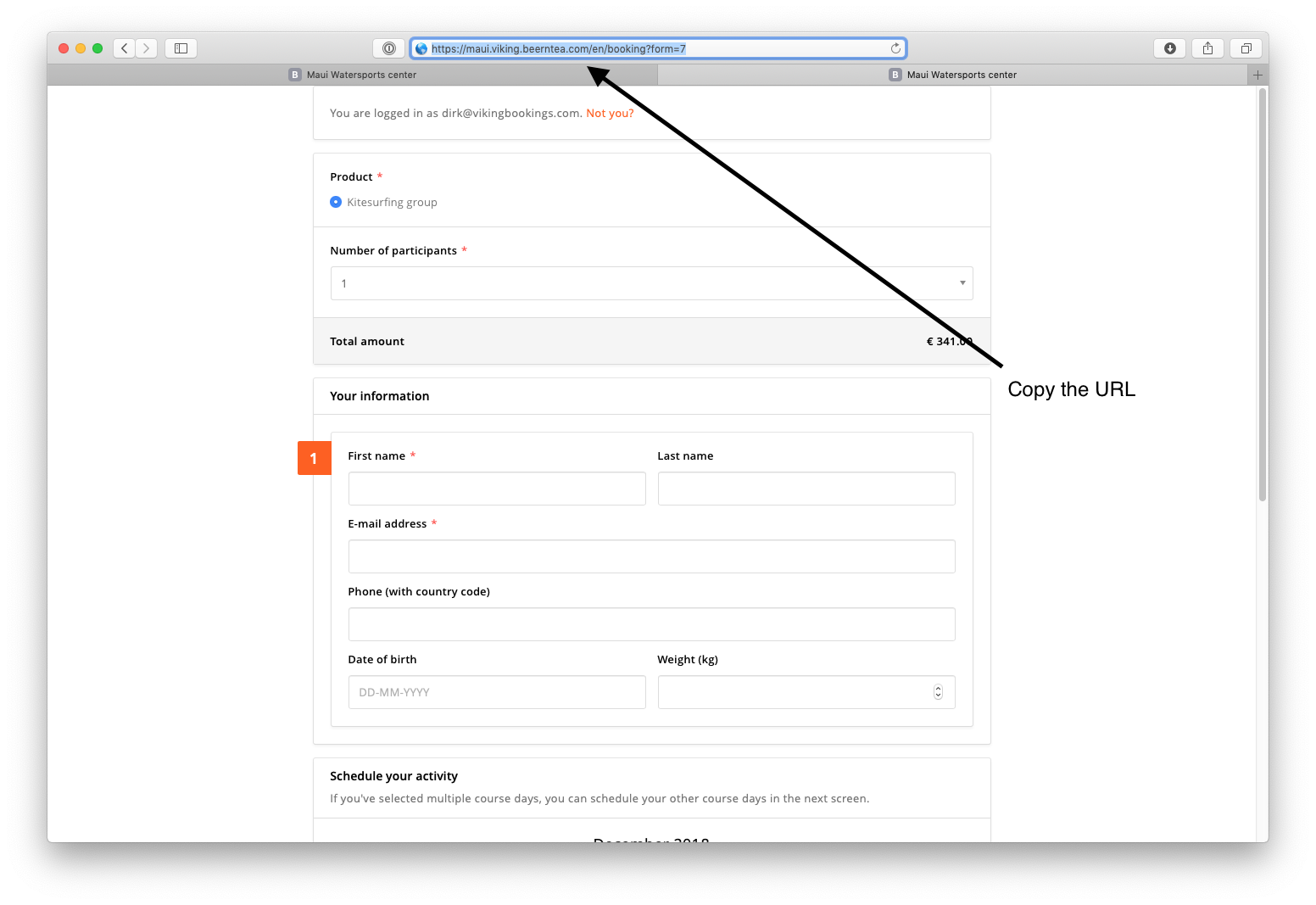
Save the booking form, after saving click 'show form' and copy the URL.
Go to email templates in the main menu, select the correct product category for your email, go to 'upsell and booking reminder messages' and select the 'upsell after a single-day booking' and write your email. Try to seduce your customer to upgrade to the 5 day package. Here is an example: