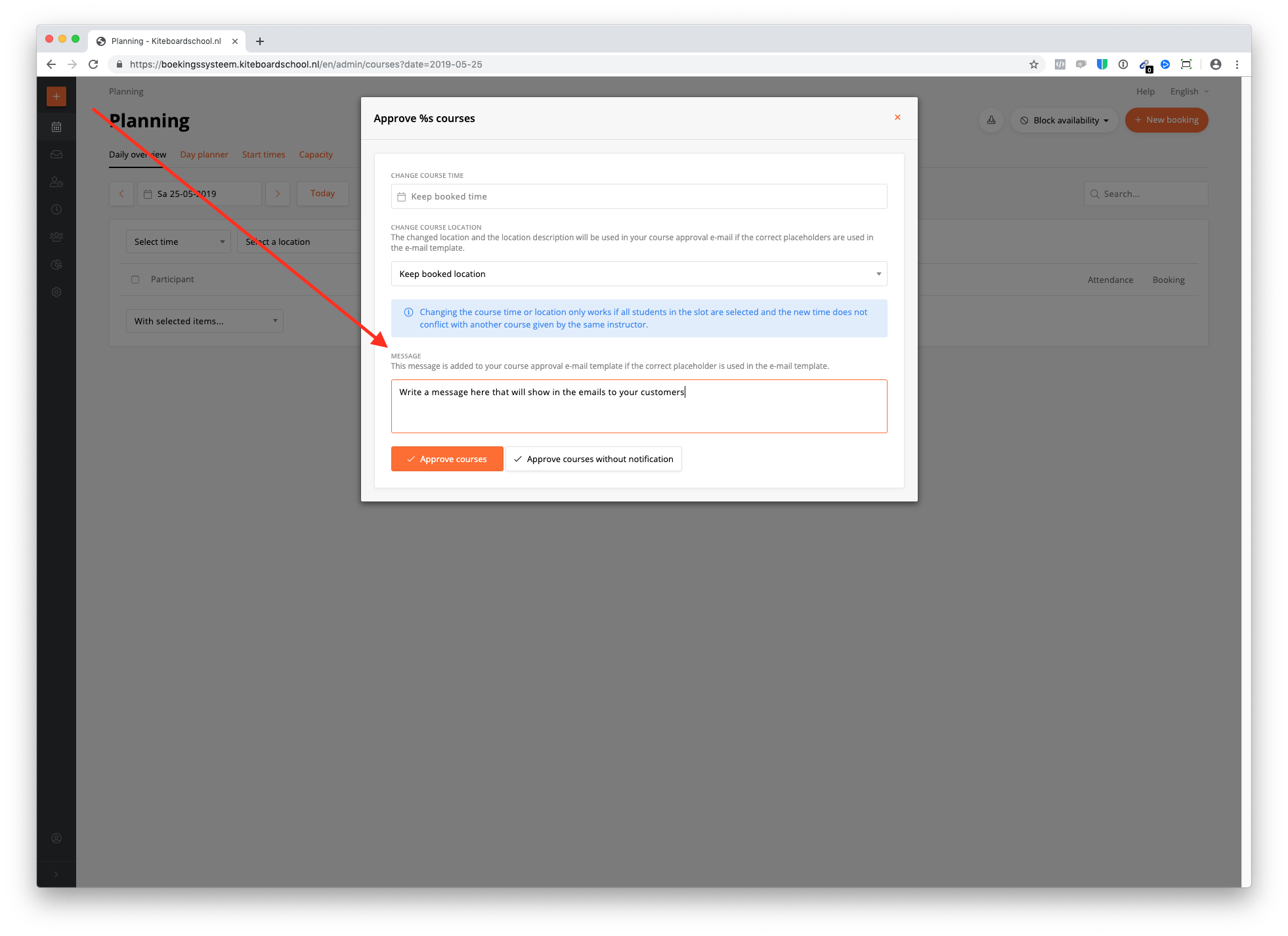
You can add a planner message in these 3 email templates:
- Approval
- Cancellation
- Stand-by
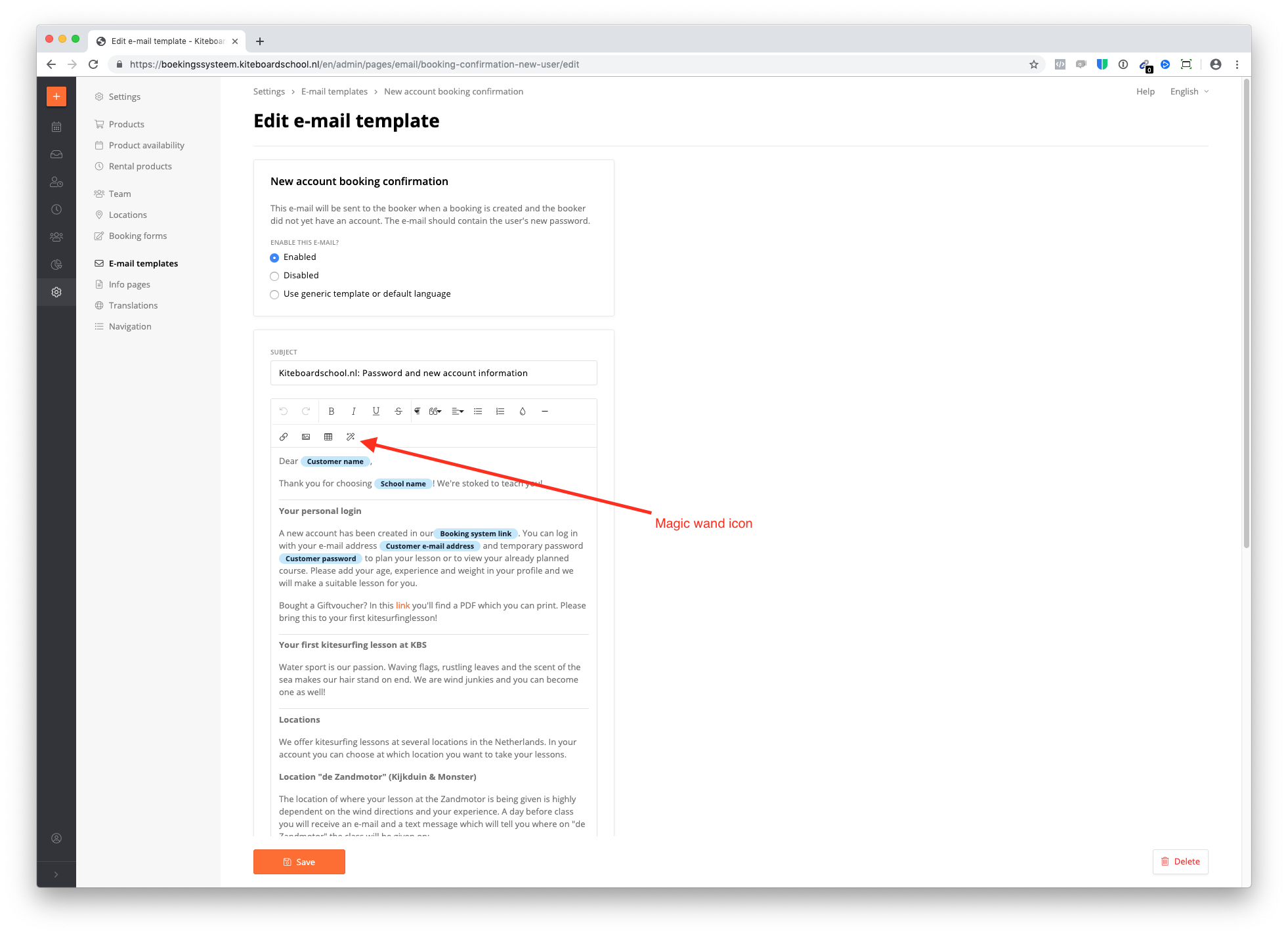
Click on the magic wand icon and place the planner message where you want.
What happens now?
If you go to your daily overview and you approve / cancel / standby your courses (daily overview --> select courses --> with selected items --> click approve / standby / release), you can add a planner message to the email.