Site settings
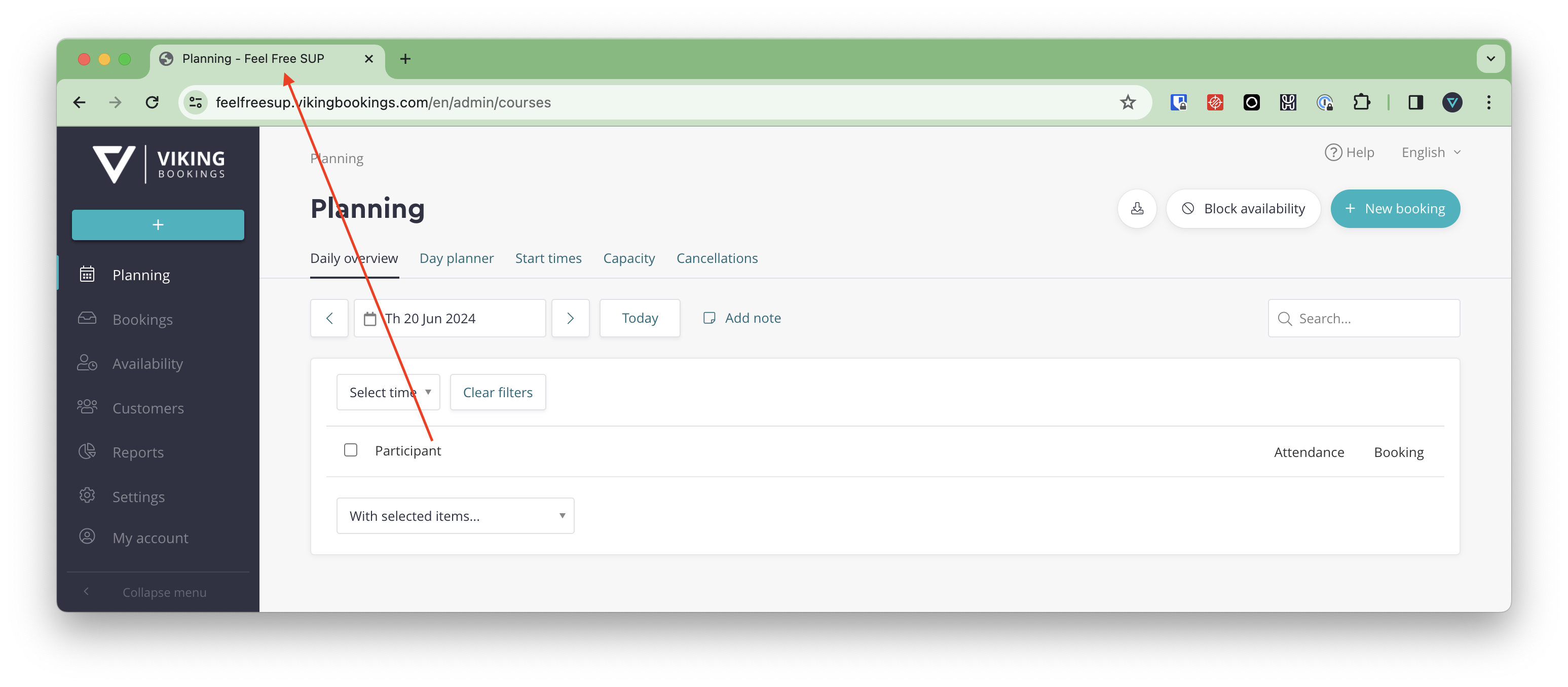
Site name
The name of the site showing in your tab
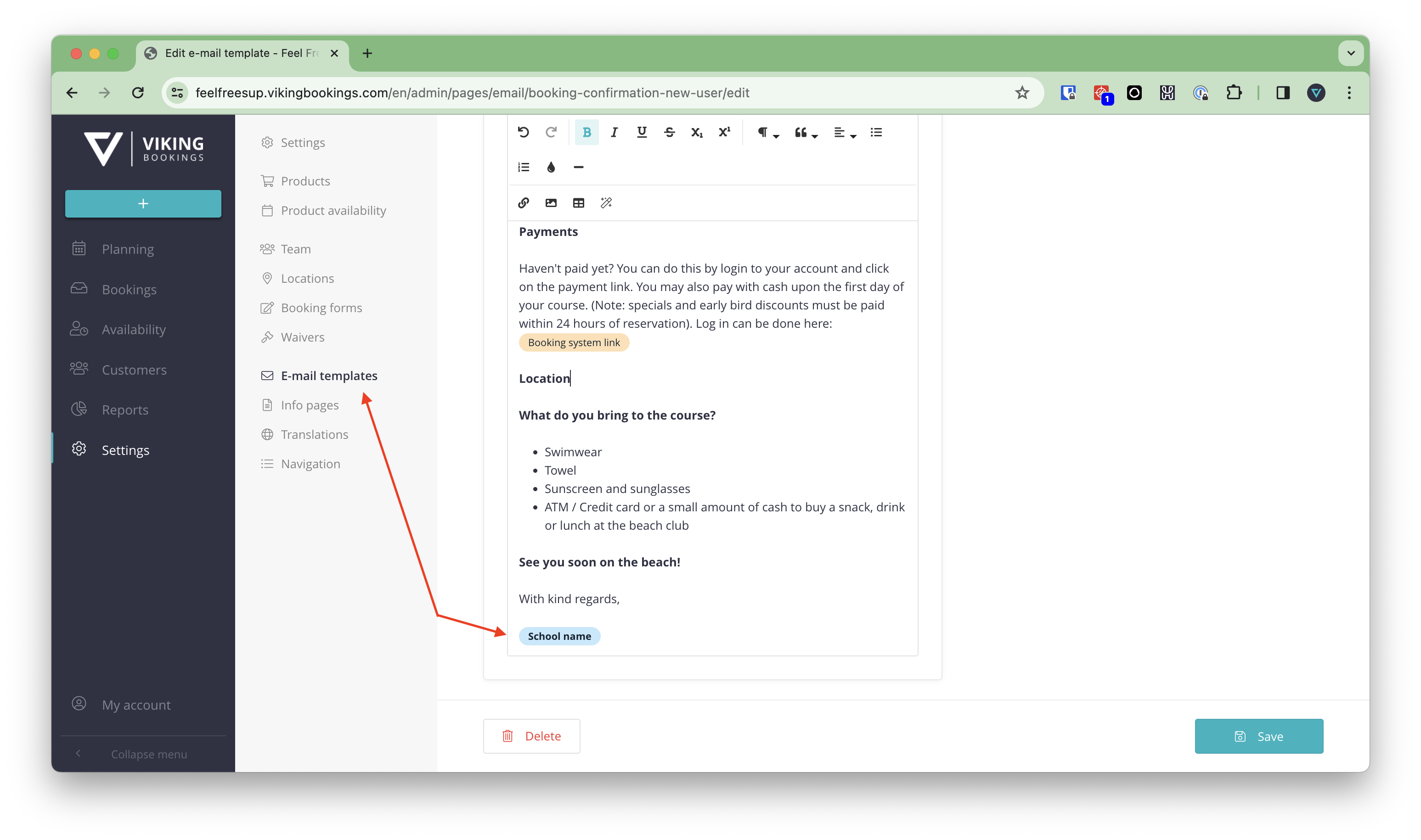
School name
This name will show in all your emailtemplates.
Default language
Your primary language
Time zone
Your time zone.
Primary e-mail address
The designated email address where new booking confirmations will be sent. Typically, this is the main email address for your central office.
BCC e-mail address
The BCC email address is where all emails sent to customers will be automatically forwarded. It serves as an archive for you to verify if your customers have received their emails and to keep track of the emails they have received. It is important to use this address exclusively for VIKING purposes.
Messagebird
Please input the live key from message bird.
If text messages are not functioning, there could be several reasons:
- You've used more then 11 characters in the sender field in VIKING
- You don't have credits
- You did not setup your templates correct (emailtemplates -- messages sent one day before a course -- all the messages starting with SMS
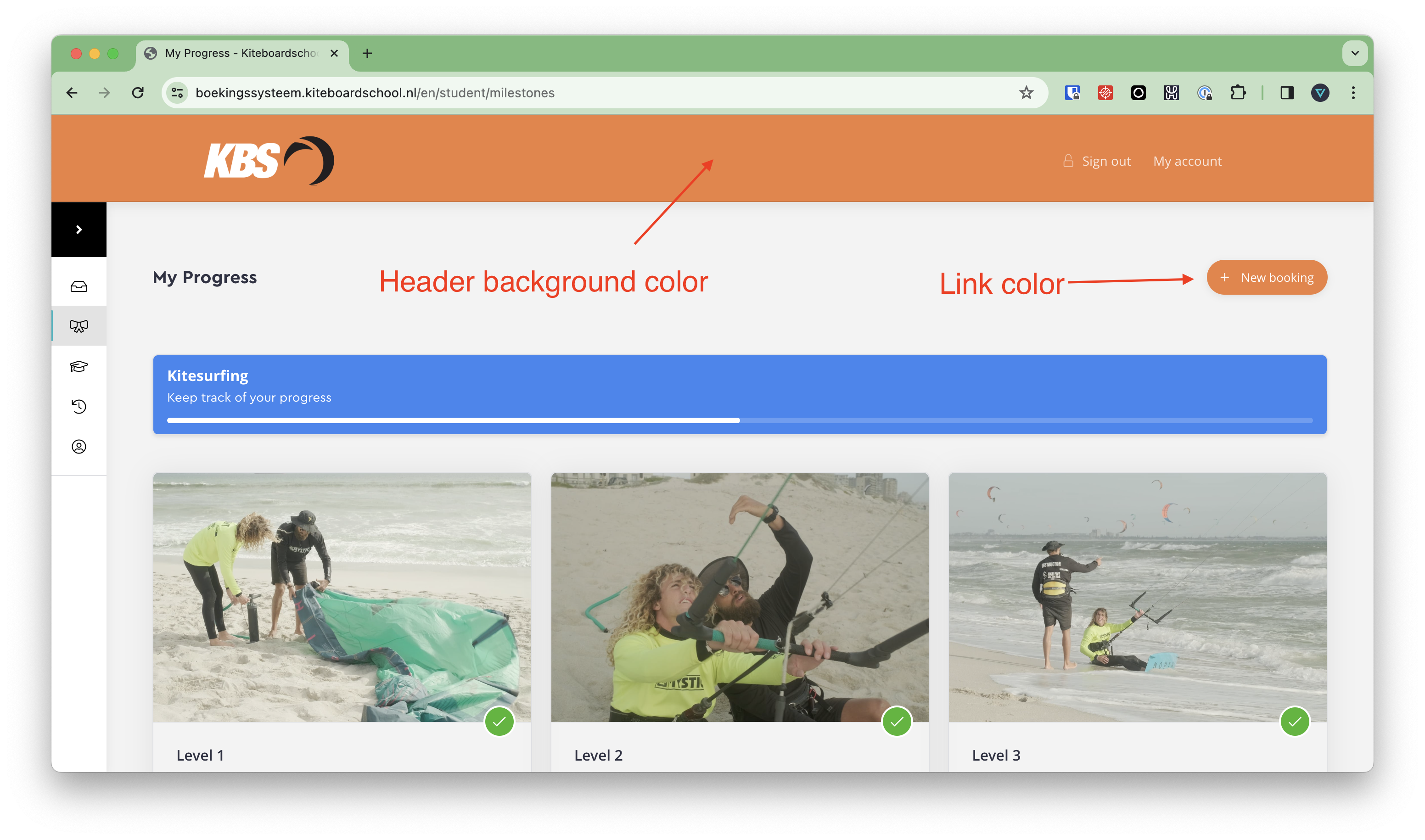
Colour settings
Change the colors to your liking. It is shown in the student dashboard and on the booking form.
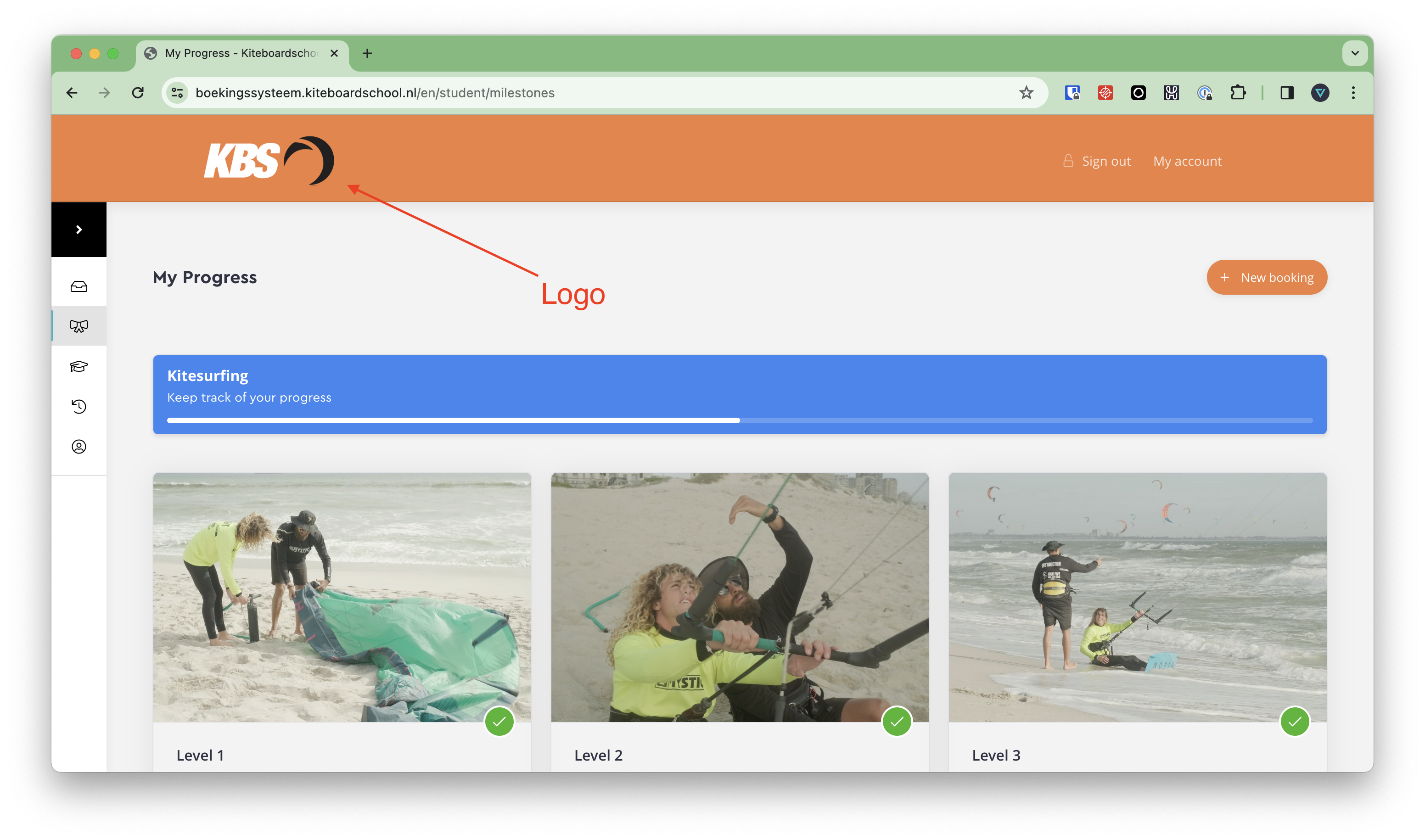
Site logo
Upload a PNG logo here. It is shown in the student dashboard: