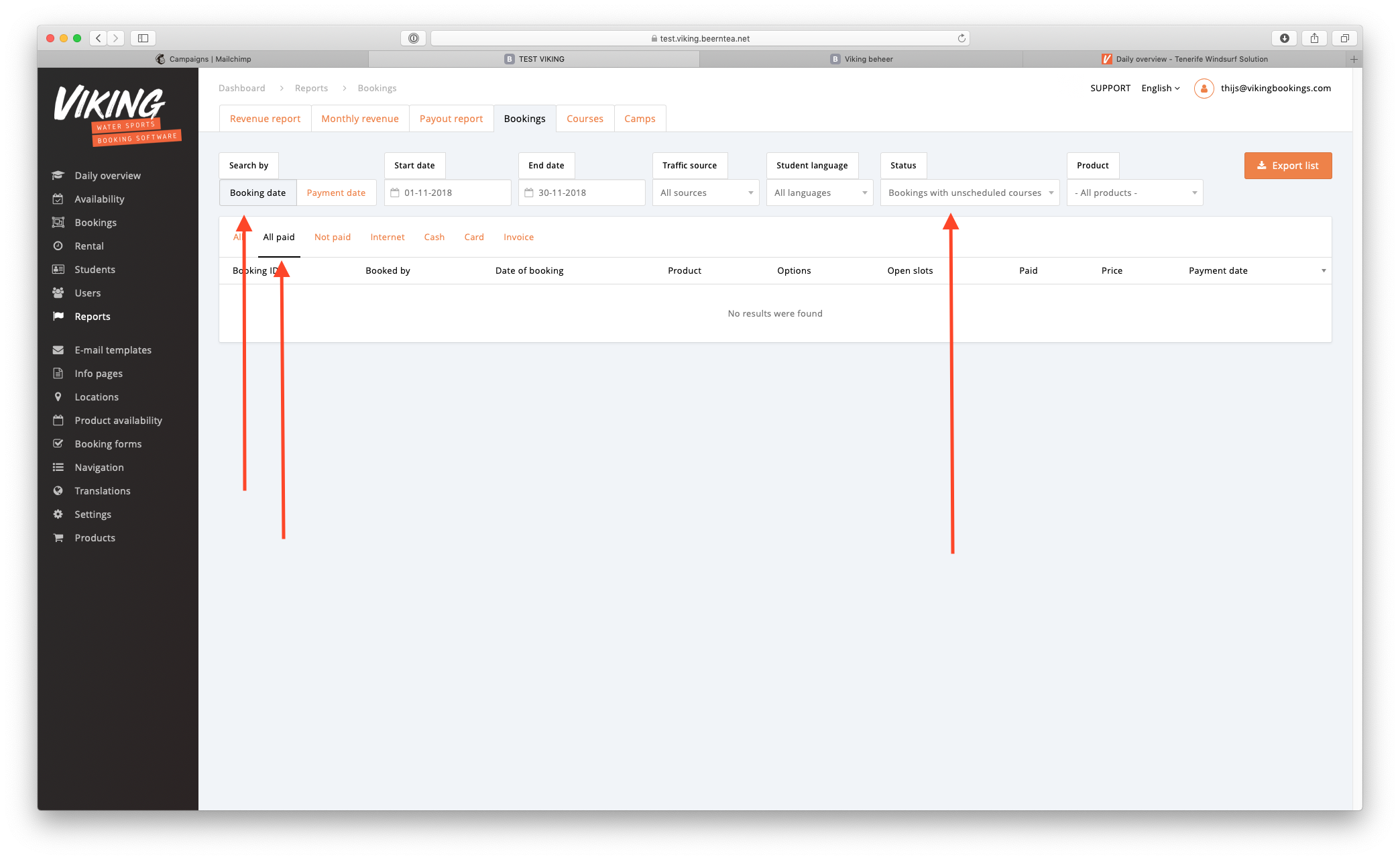
Go to reports --> bookings
- Filter the 'Search by' to 'Booking date'.
- Select the dates you want to filter by
- Set the status filter to 'Bookings with unscheduled courses'
- Set the payment filter to 'All paid'
This is your list paid courses that still have open courses. You can export it to CSV to for example:
- Calculate the open amount in unscheduled courses
- Count the number of unscheduled courses
- Copy this to your marketing software to send them an email