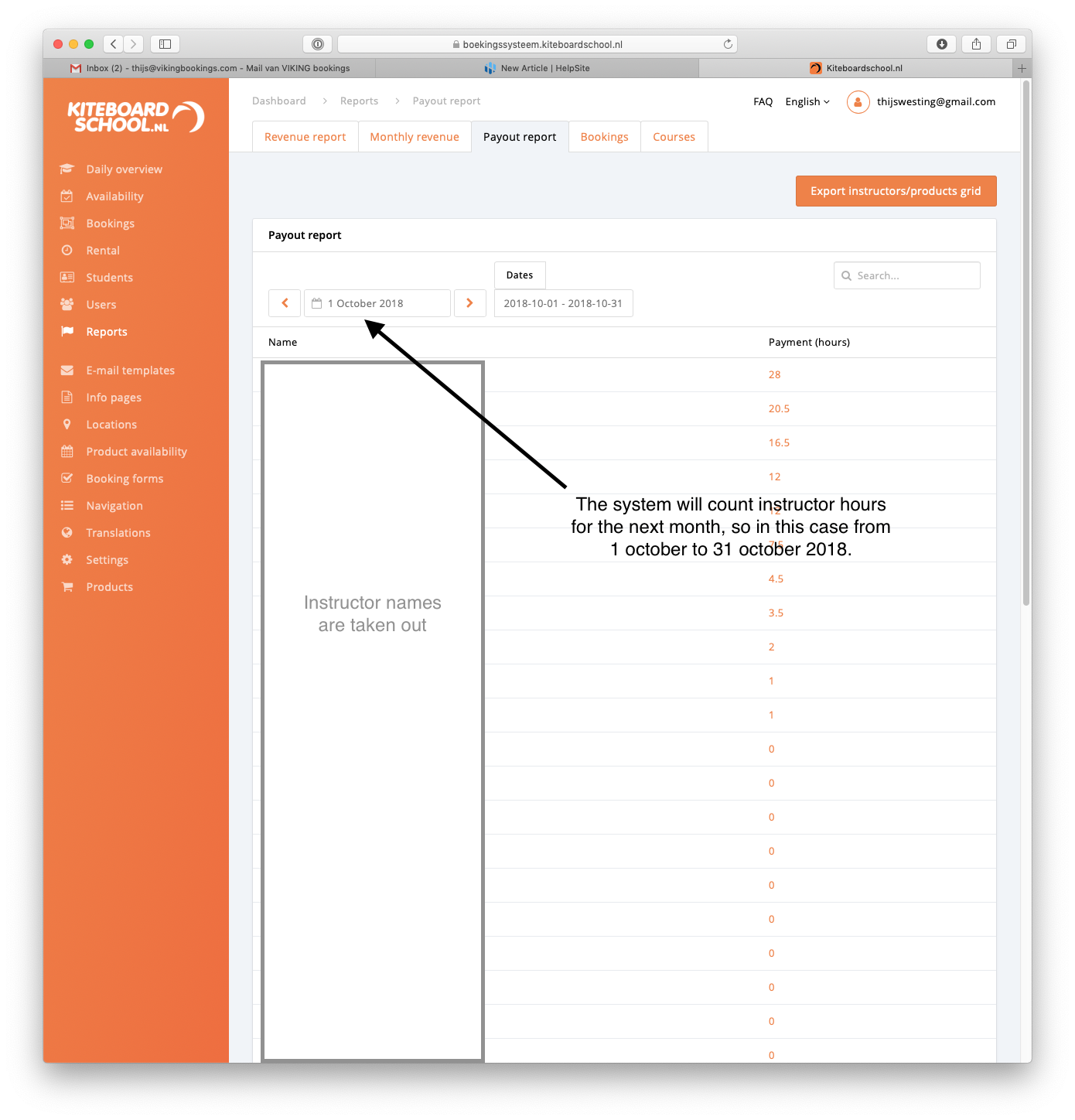
Go to reports --> payout report
This is built per month, with 1 start day to prevent double payouts by human mistake (happened in the past). If you export it to csv, you see the lessons per instructor. If you click on cel of the instructor (NOT on the name), you can see his lessons day by day.
Changing worked hours
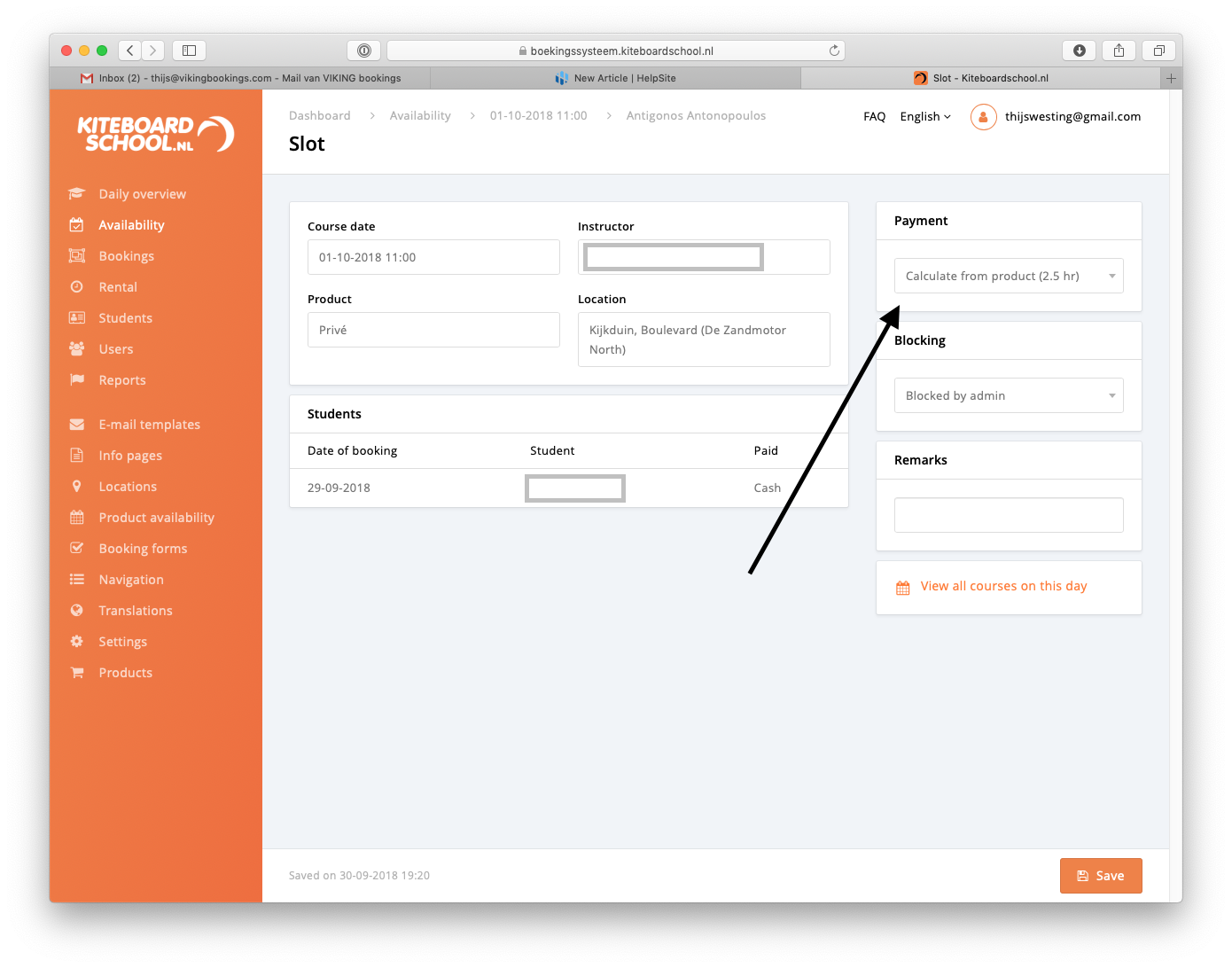
Reports --> payout report --> click on cel of the instructor (NOT on the name) --> click on the lesson you want to see (do NOT click on the date) --> change payment in right top.