Viking now supports Sumup to take online payments.
- If you already use Sumup to take card payments, the online payments will be visible in the same account.
Setting up Sumup in Viking
In Settings > Payment, select Sumup as Payment Service Provider.
You will need a Merchant ID and an API key
Merchant ID
Log into your Sumup dashboard and use the drop-down in the top right corner to select Profile Details and then Business Details. Copy and paste this Merchant ID into the corresponding field in Viking.
Sumup API Key
In your Sumup Dashboard, use the drop down in the top right corner and select 'For developers'. The developer portal opens in a new window. If you are not already logged in, then login with the same credentials as your regular Sumup account.
In the top menu, select Account > API keys.
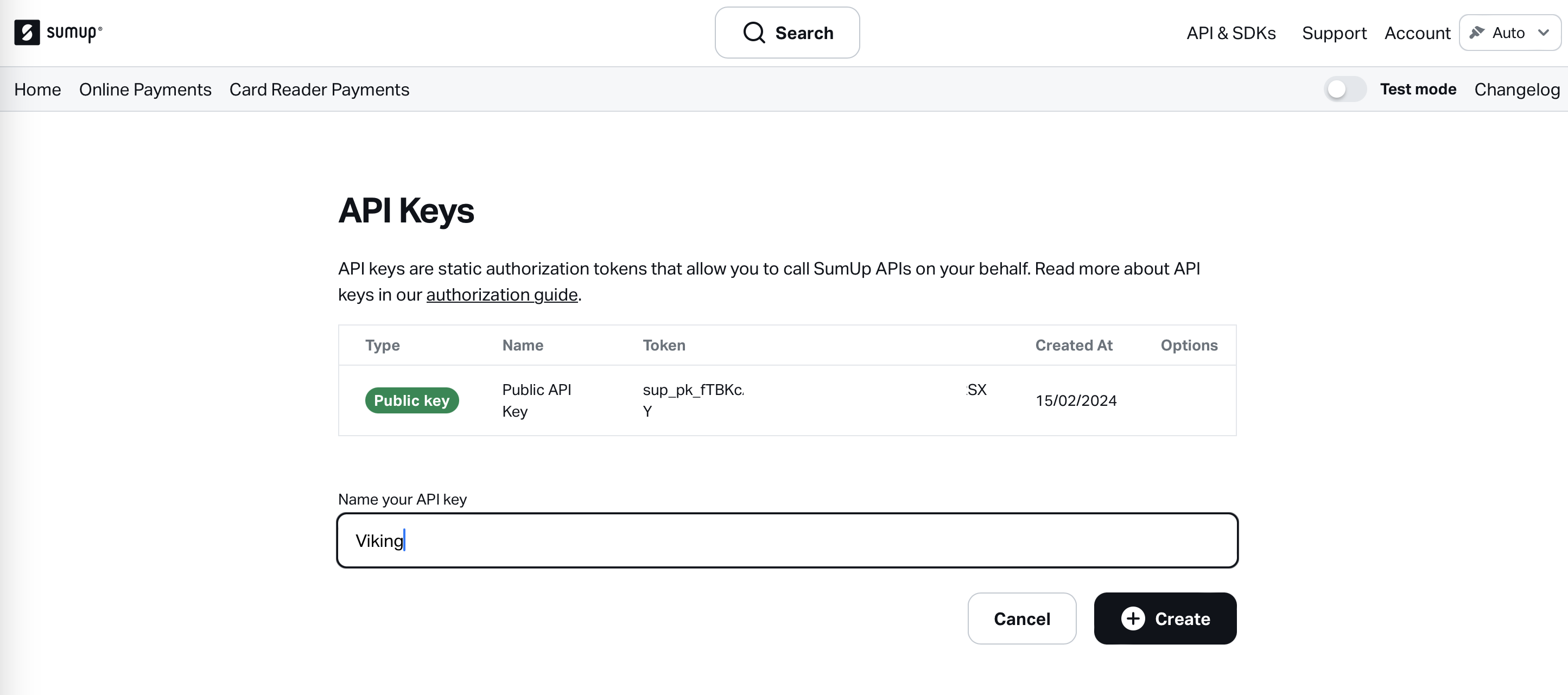
Create a new key here. Use any name, for instance Viking and click 'Create'.
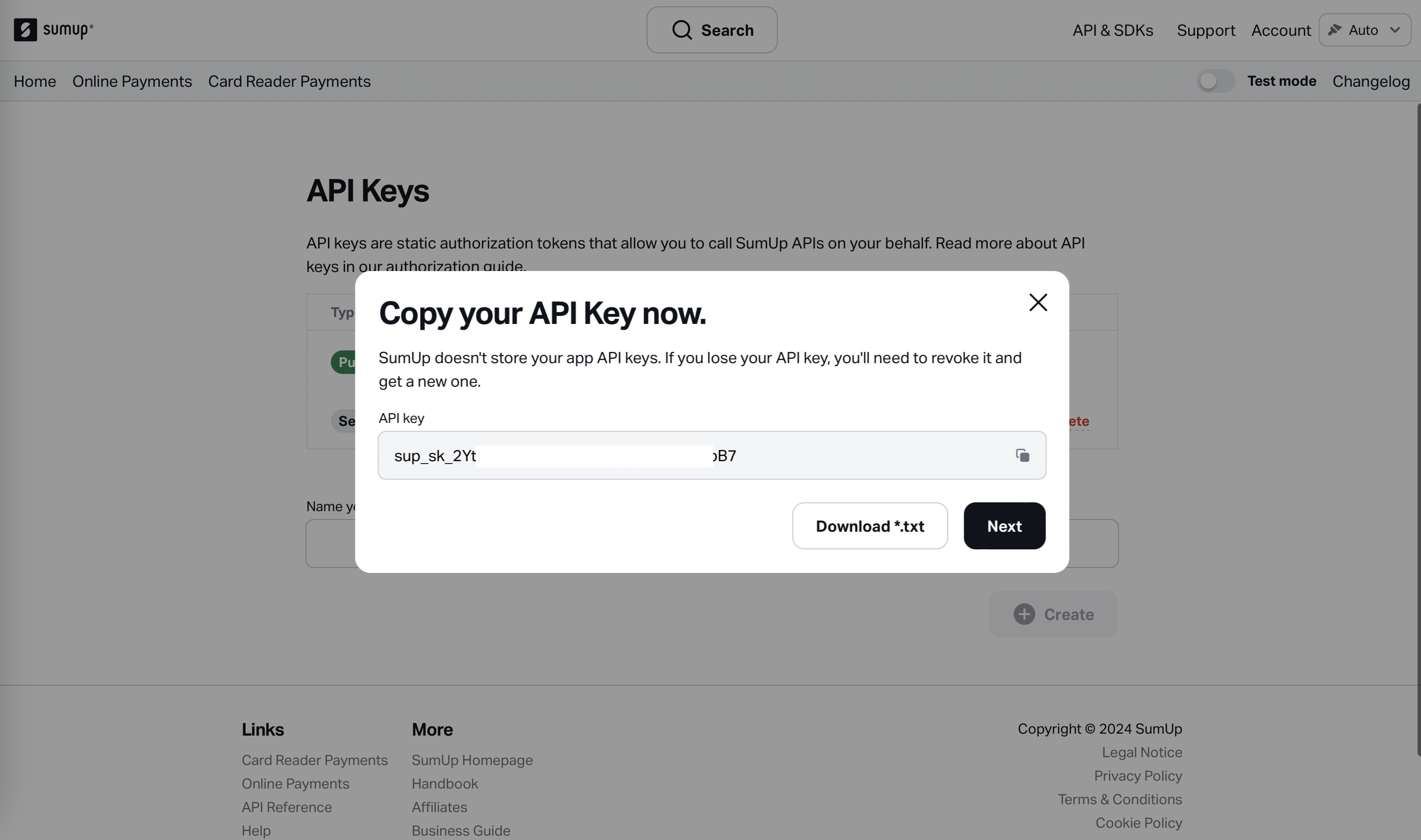
Paste this key to the API field under Settings > Payment in Viking.
Save your settings and now you're good to take online payments with Sumup!
-
Note that currently it's not yet possible to initialise a (on-location) 'card reader' payment with a Sumup device through Viking.
Use your Sumup card reader in the same way you were used to (with the Sumup POS) and simply register the payment as 'paid by card' in Viking.