Viking Bookings | Help Center
All help topics
Thank you! Your submission has been received!
Oops! Something went wrong while submitting the form.
Help Center
›
📅 Planning
›
Working with Viking
›
Article
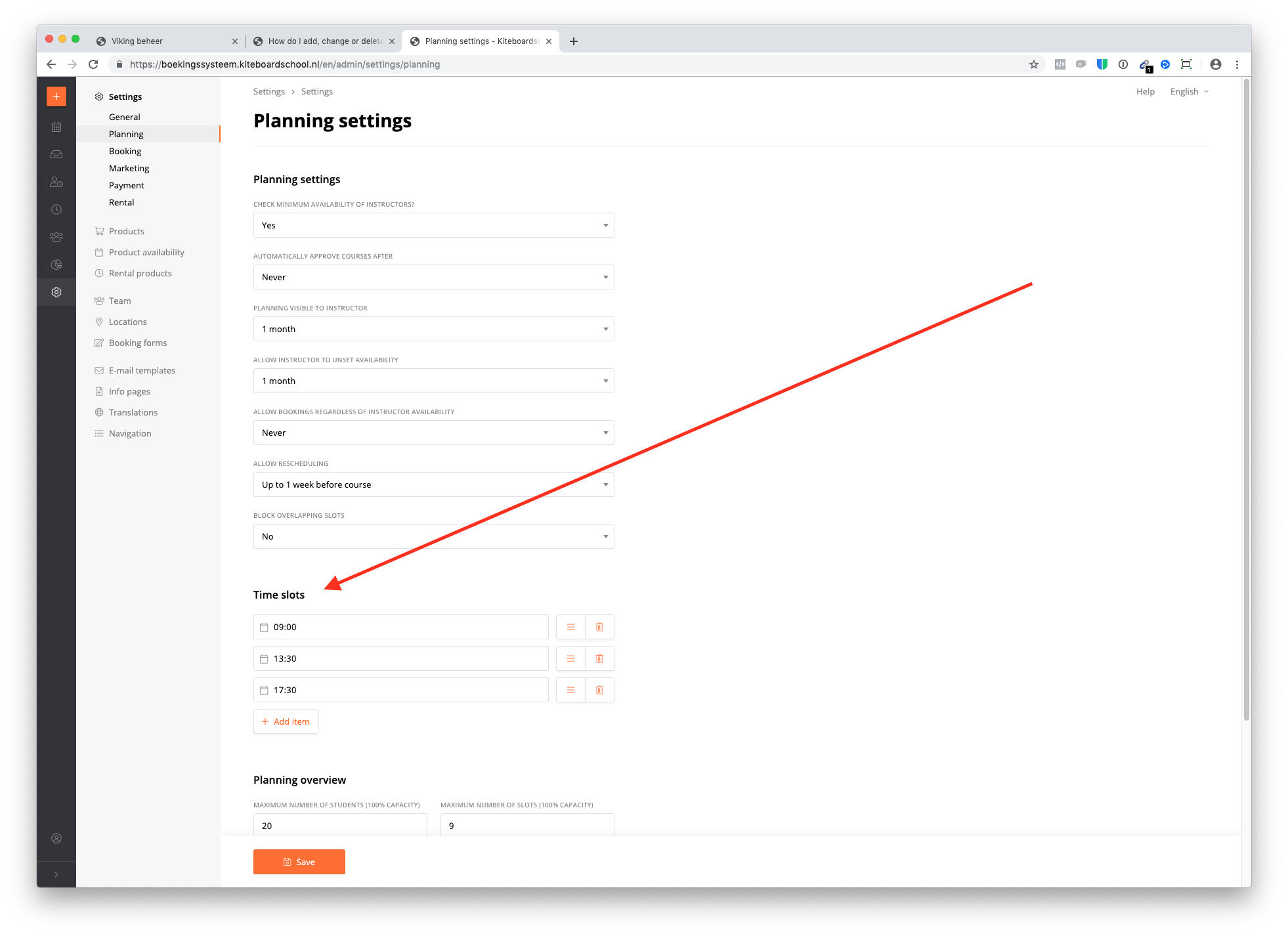
Add, change or delete time slots
Go to settings - planning - time slots. After you changed it click save.
Related articles
This is some text inside of a div block.