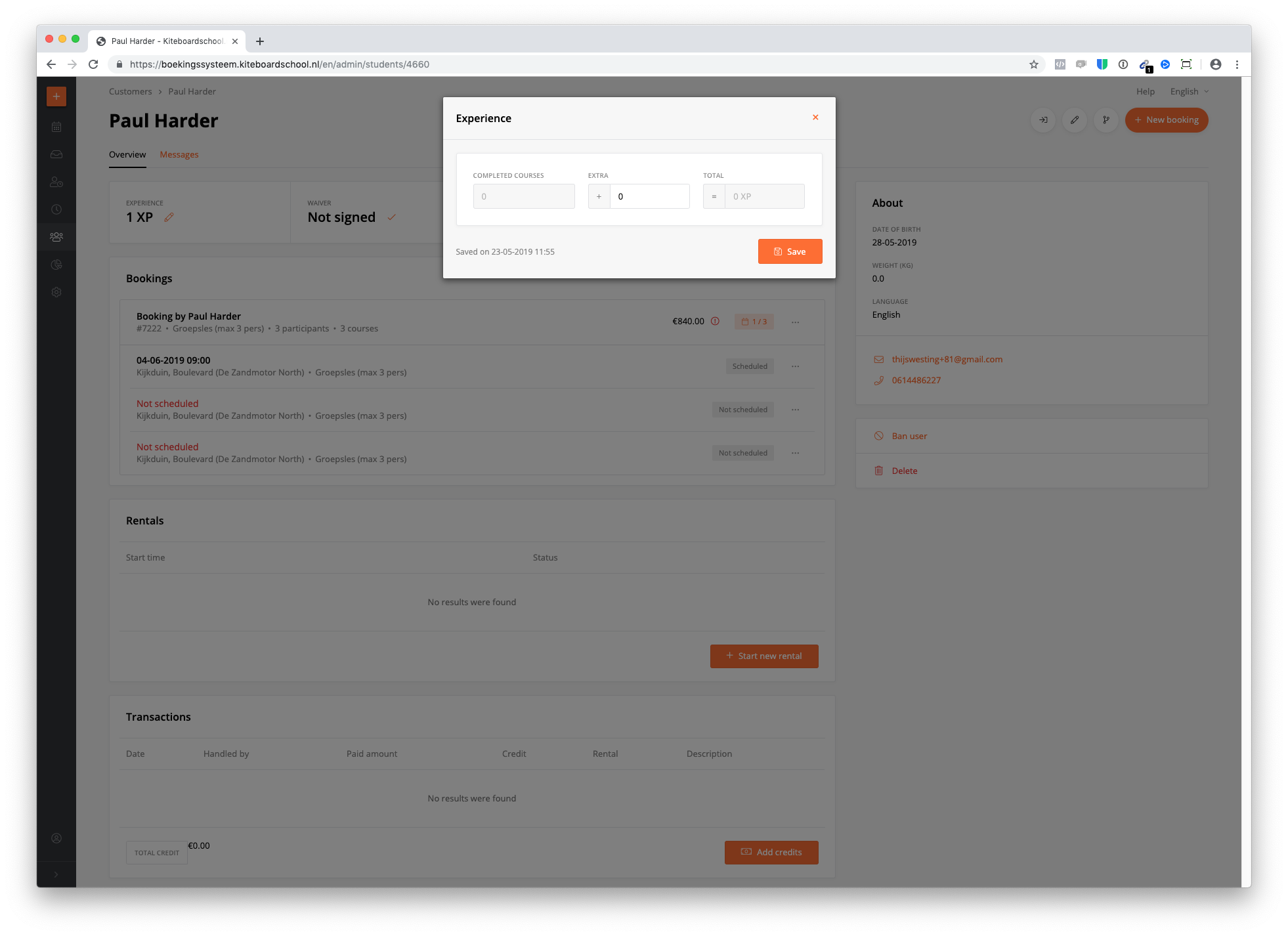
Every student starts with experience 1. Automatically, after the student had a lesson, the experience will be updated with +1.
You can customize the student's experience with a positive or negative amount in the daily schedule (click on the xp number) and in the user's page (customers --> click on the customer --> experience in the left top)