The integration has two main parts:
-
Creating your SurfSignal account and setting your criteria.
-
Adding a SurfSignal information page to your Viking system and updating the email templates.
SurfSignal is free for schools and students. No payment details are required.
What is SurfSignal?
SurfSignal is an app that notifies students when the conditions are suitable.
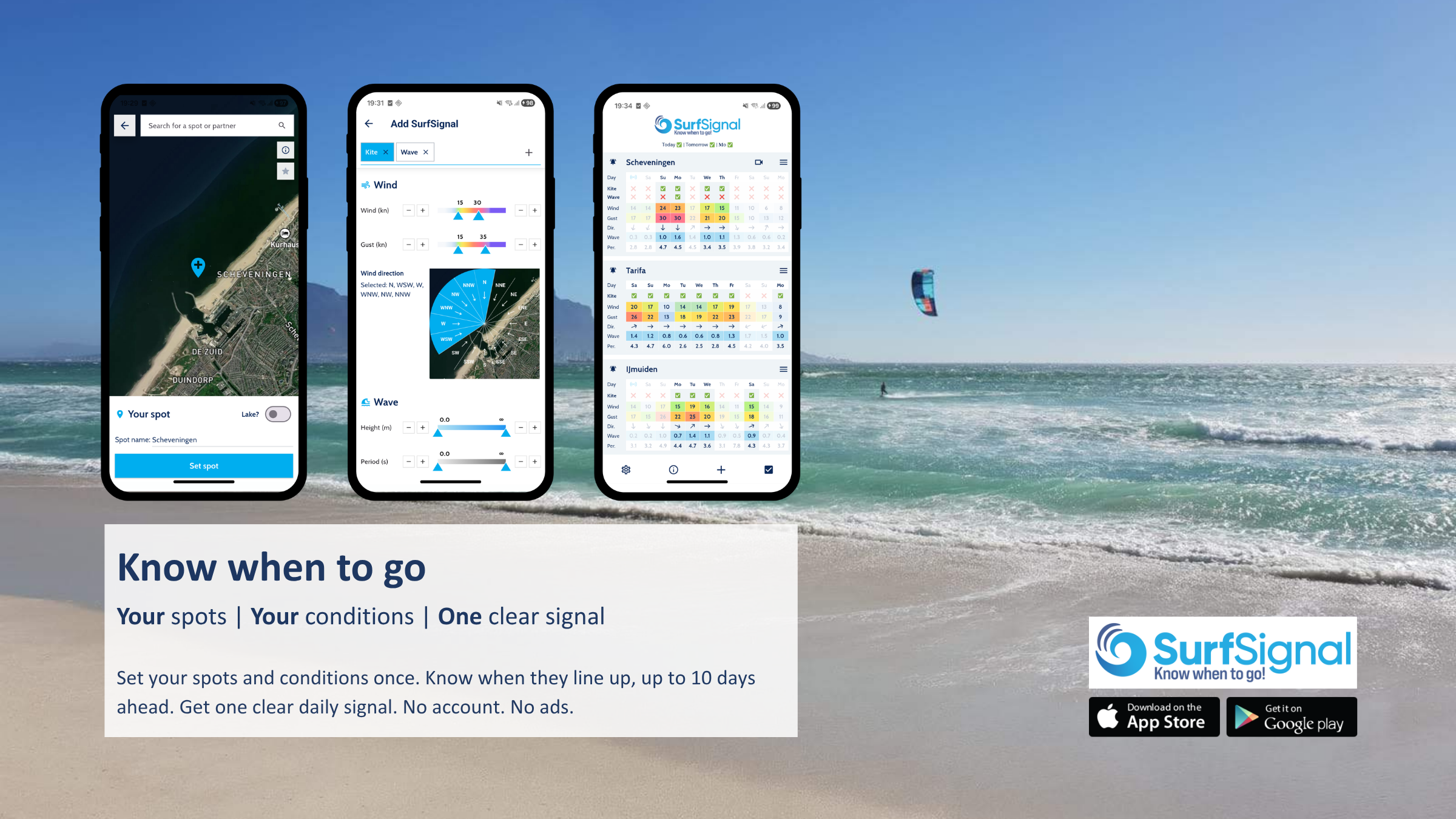
Your school decides what suitable conditions mean for each spot. You can configure criteria such as:
-
Wind
-
Tides
-
Swell
SurfSignal checks the forecast against your criteria and can notify students up to 10 days in advance. Students receive no more than one notification per day and can view the latest forecasts in the app.
Create your SurfSignal account
-
Download SurfSignal from the Apple App Store or Google Play.
-
Open the settings in the SurfSignal app -> Join the Partner Program.
-
Add your spots and configure the preferred conditions for each spot.
Your personal Partner ID and partner link will then become available.
-
Your Partner ID displays the forecast in Viking.
-
Your partner link lets students download SurfSignal with your spots and settings automatically configured.
1. Add the forecast to the student dashboard
To display the SurfSignal widget in the Customer Dashboard of your Viking system, you need to create a new info page and insert your Partner ID. We have created a step-by-step guide with example text to make this easy.
Follow the step-by-step guide to add the forecast to the student dashboard.
We've also created a live example of the SurfSignal information page for you to preview.
2. Add SurfSignal to cancellation emails
A cancellation is the ideal moment to share your partner link. Students can immediately check when the conditions are expected to improve.
Go to Settings → E-mail templates and open the cancellation email. Add your personal SurfSignal partner link with a clear call to action.
Suggested text:
Want to receive a notification when the conditions are suitable for kitesurfing? Download the SurfSignal app using the link below. Your school’s spots and settings will be added automatically.
Remember to update each required language version of the email template and adjust the text for kiting/surfing/windsurfing.
Other places to share your partner link
For additional visibility, you can also add the link to:
-
Booking confirmations
-
Approval emails
-
Reminder emails
-
Online theory about weather and wind
-
Your website
Why use SurfSignal?
For your school:
-
Fewer questions about the weather
-
Less frustration when lessons are cancelled
-
Better-prepared students
-
Increased customer satisfaction
For your students:
-
Clear updates about suitable conditions
-
Less uncertainty
-
The ability to plan ahead
-
Automatic access to your spots and settings
Free setup assistance
Would you like help setting everything up?
Sebastiaan from SurfSignal can configure your partner link and install the complete integration in your Viking environment free of charge.
Contact SurfSignal at info@surf-signal.com or +31 6 11 31 64 29.